STEP 01 / 06
Bring the real software into SIL
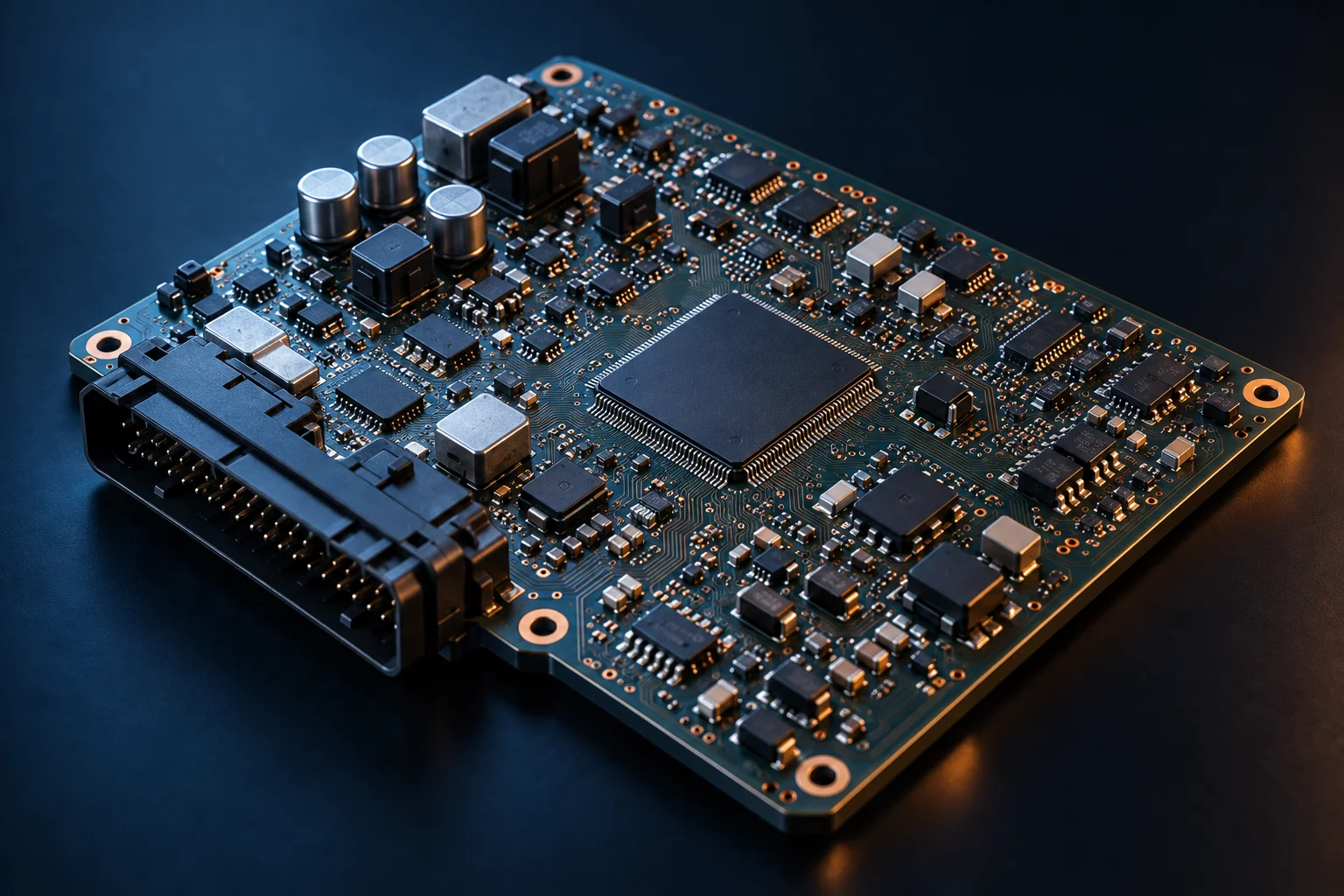
The EVCC application runs as a virtual ECU in the customer’s SIL environment. The software under test remains the focus.

CHARGELINK
Simulate EVSE and EVCC roles. Investigate protocol behaviour. Connect each session to traces and results your team can use.
Discuss an evaluation ↗Read the documentation ↗THE ENGINEERING STORY / 48 SECONDS
Follow the engineer’s journey from real EVCC software to a repeatable SIL verification workflow.

CLI-DRIVEN WORKFLOW
Illustrative signals · time →
STEP 01 / 06
The EVCC application runs as a virtual ECU in the customer’s SIL environment. The software under test remains the focus.
STEP 02 / 06
Configure the interfaces between the virtual EVCC and ChargeLink for the intended test setup. Confirm compatibility for the selected environment.
STEP 03 / 06
Select the supported role and protocol configuration for the project. Use the CLI to integrate session setup and execution into the existing workflow.
STEP 04 / 06
Execute the scenario and observe how the EVCC software responds. The moving connection represents communication, not a live protocol trace.
STEP 05 / 06
In this illustrative test, communication stops. Review the session evidence and the controller response against the project’s expected behaviour.
STEP 06 / 06
Use the results to investigate behaviour and repeat the scenario after software changes. Exact automation and evidence handling depend on the integration.
The real automotive Tier 1 case confirms EVCC-as-vECU verification, CLI integration and on-time software delivery and testing. This walkthrough’s individual scenario stages are illustrative; the customer’s SIL platform was not identified as DEP.
Read the real Tier 1 case ↗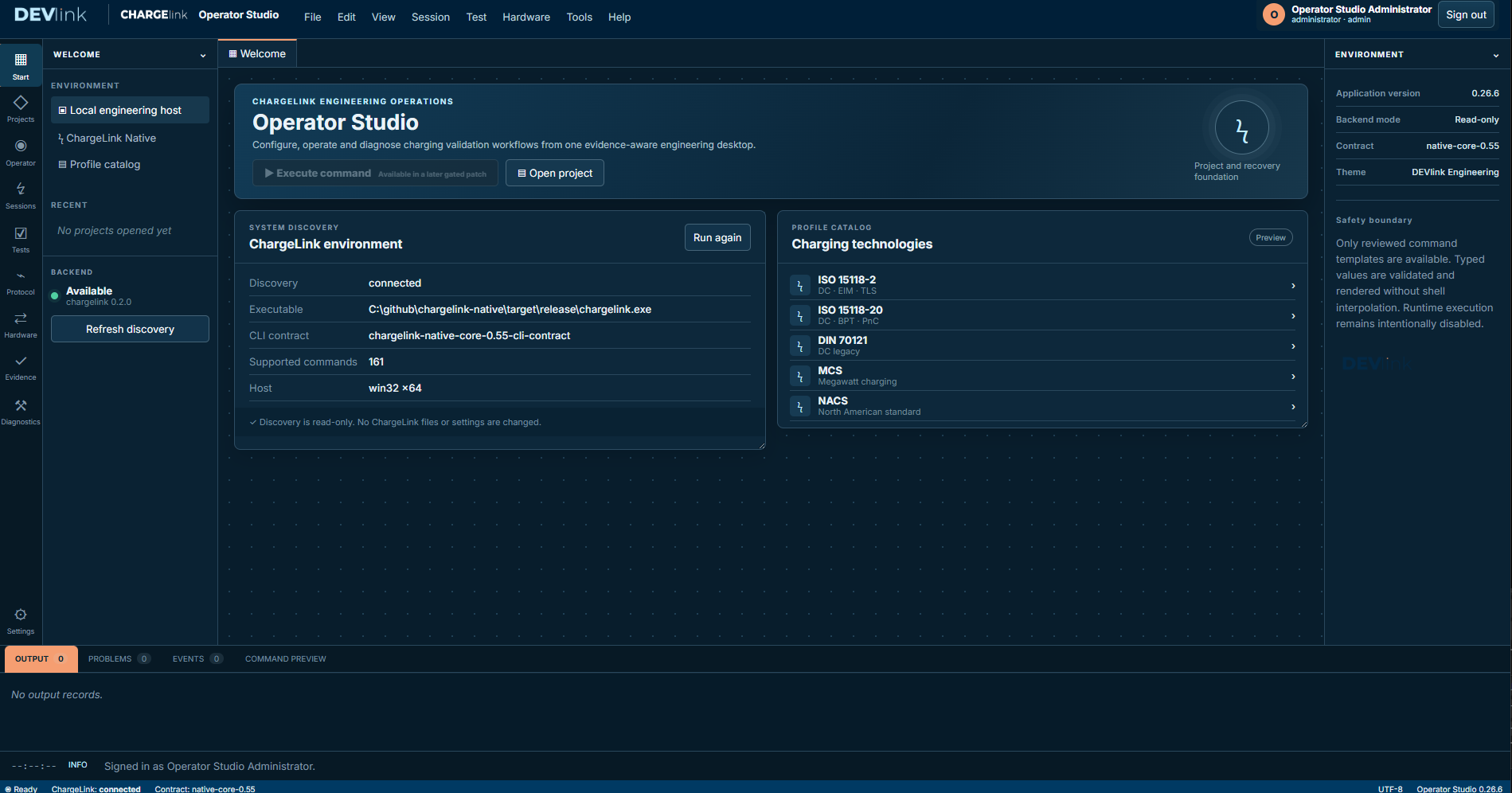
REAL CUSTOMER APPLICATION / AUTOMOTIVE TIER 1
An automotive Tier 1 verified its real EVCC software as a vECU in SIL. Easy integration with ChargeLink through the CLI helped the project deliver and test its software on time.
Read the customer story ↗ONE CONNECTED WORKFLOW
Select the role, protocol profile and software or hardware environment. Make the system boundary explicit.
Execute a controlled session and follow discovery, transport, security and protocol-state behaviour.
Review traces and diagnostics. Preserve the configuration and evidence for comparison and repeatable testing.
PROTOCOLS & PROFILES
Protocol names alone do not define support. Check the role, charging mode, release and environment against the documented capability boundaries.
CONNECT THE ENVIRONMENT
Move from guided setup into detailed investigation within the engineering environment.
Use documented CLI, gRPC and integration interfaces. Explore the NI VeriStand Native Gateway in the user documentation.
The customer’s safety controller, power electronics and bench-specific adapters retain authority for physical actuation.
BEFORE YOU DECIDE
EVCC, OBC and EVSE development teams, protocol engineers, integration teams and engineers building repeatable charging tests. The starting point is one defined charging problem.
The documentation includes a software-only first-session workflow. Use it to establish a baseline before preparing the actual network, hardware and bench environment. Follow the first-session guide.
No. Support depends on the installed release, role, profile, mode and environment. Read the capability boundaries and version matrix before selecting a configuration.
ChargeLink exposes documented automation and integration interfaces, including CLI, gRPC and the NI VeriStand gateway. Hardware, adapters, timing and safety responsibilities are confirmed for your specific setup.
Request a scoped technical evaluation. The supplied package, licensing, commercial terms and support arrangements are agreed directly with DEVlink.
YOUR NEXT MOVE
ChargeLink is available through a scoped technical evaluation. Agree the profile, role, environment and evidence before starting.