
Settings Reference
Open Settings in the top-right corner, at the bottom of the sidebar, or from Settings → Appearance… in the menu bar. The DEP Settings dialog has five tabs. Changes take effect immediately and are saved for your Windows user. Select Close or press Esc when you are done.
Appearance
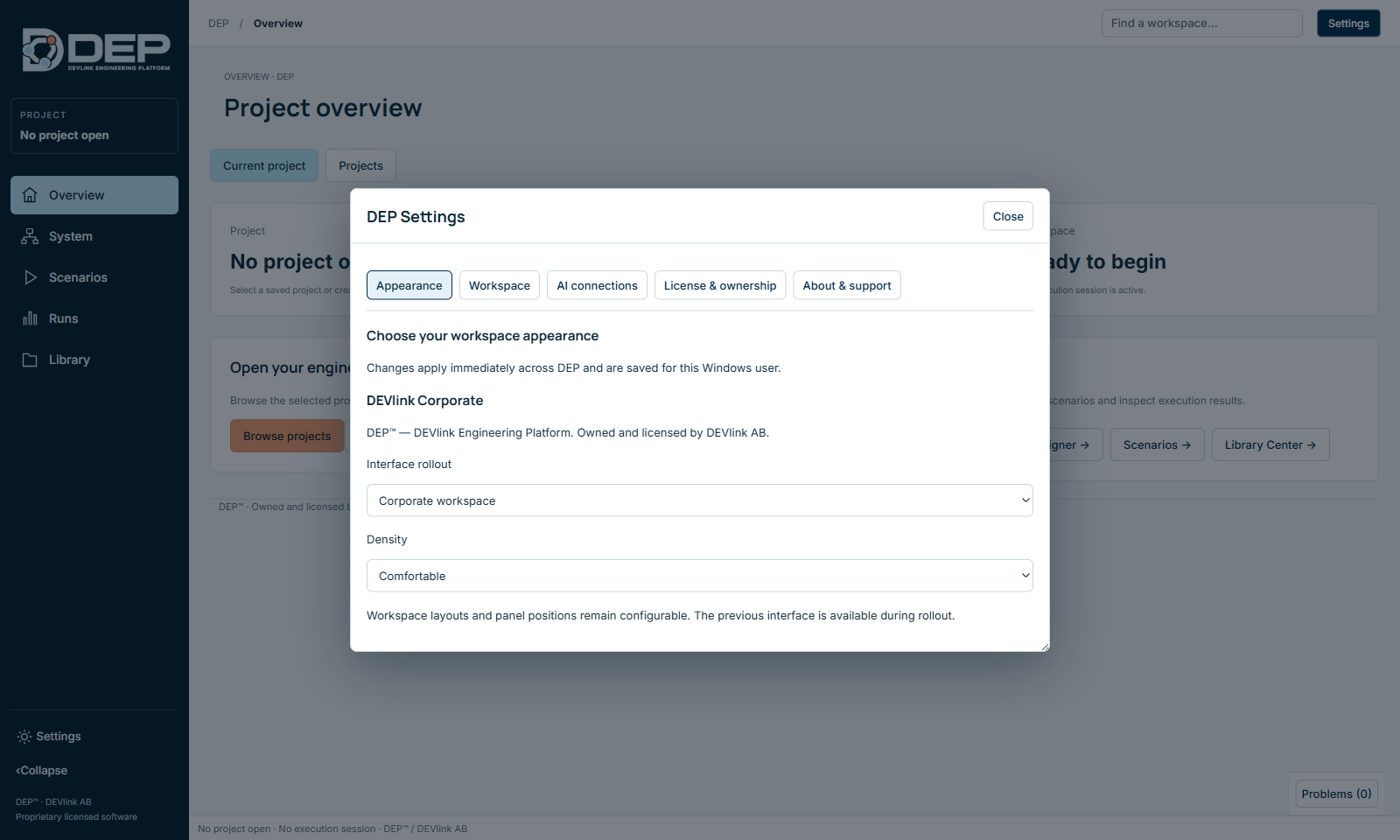
| Option | Values | Effect |
|---|---|---|
| Theme | Light, Dark, System settings (Windows) | Light uses white panels on a soft grey workspace. Dark uses a deep navy workspace with lighter panels. System follows the Windows light or dark setting. |
| Interface rollout | Corporate workspace, Previous workspace (recovery) | The current interface, or the previous one for recovery during the rollout period. |
| Density | Comfortable, Compact | Compact shows more rows and panels on smaller screens. |
Workspace
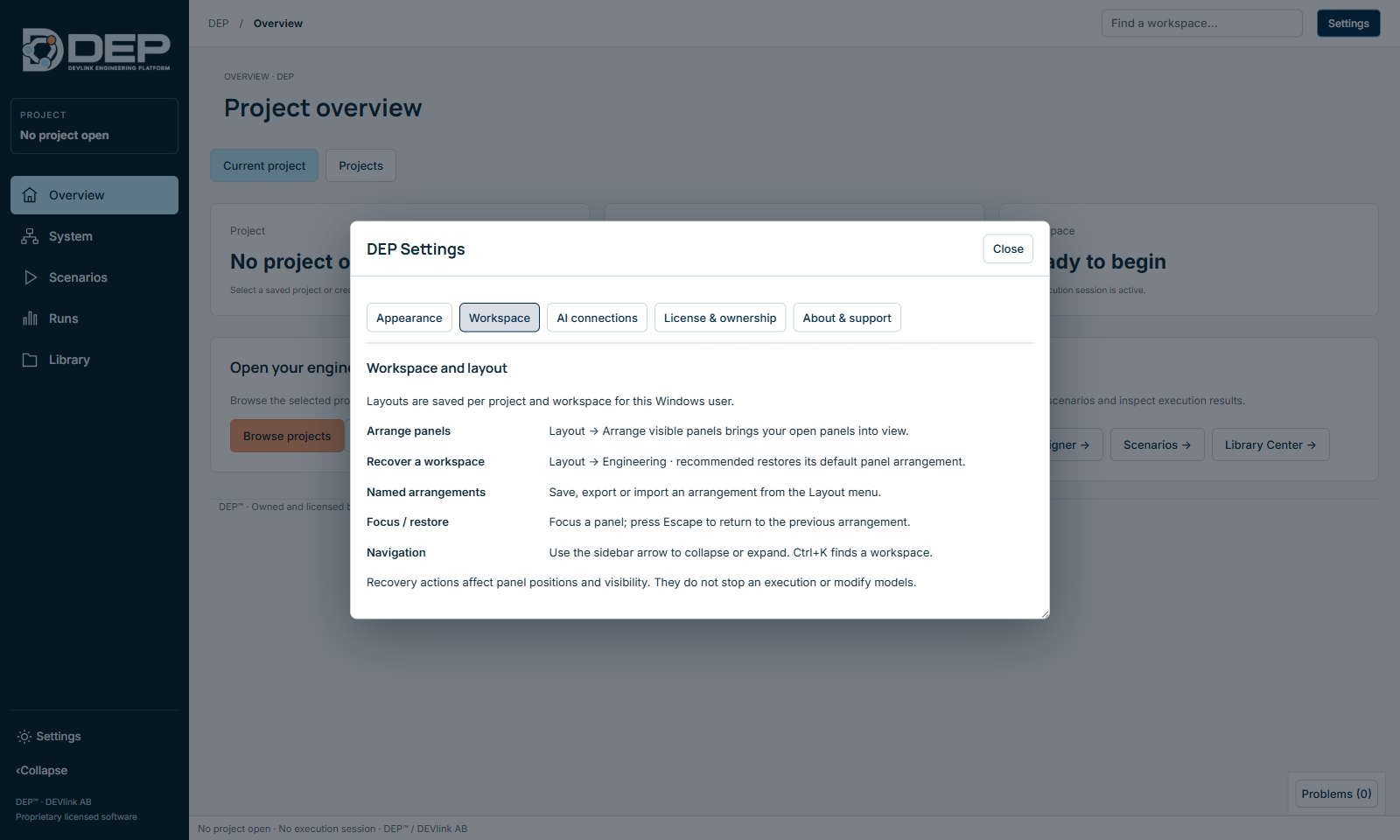
This tab summarises the layout tools described in Tour of the Studio: Arrange panels, Recover a workspace (Layout → Engineering · recommended), named arrangements, Focus / restore and sidebar navigation. Layouts are saved per project and workspace for your Windows user. Recovery actions change panel positions only. They never stop an execution or modify models.
AI connections
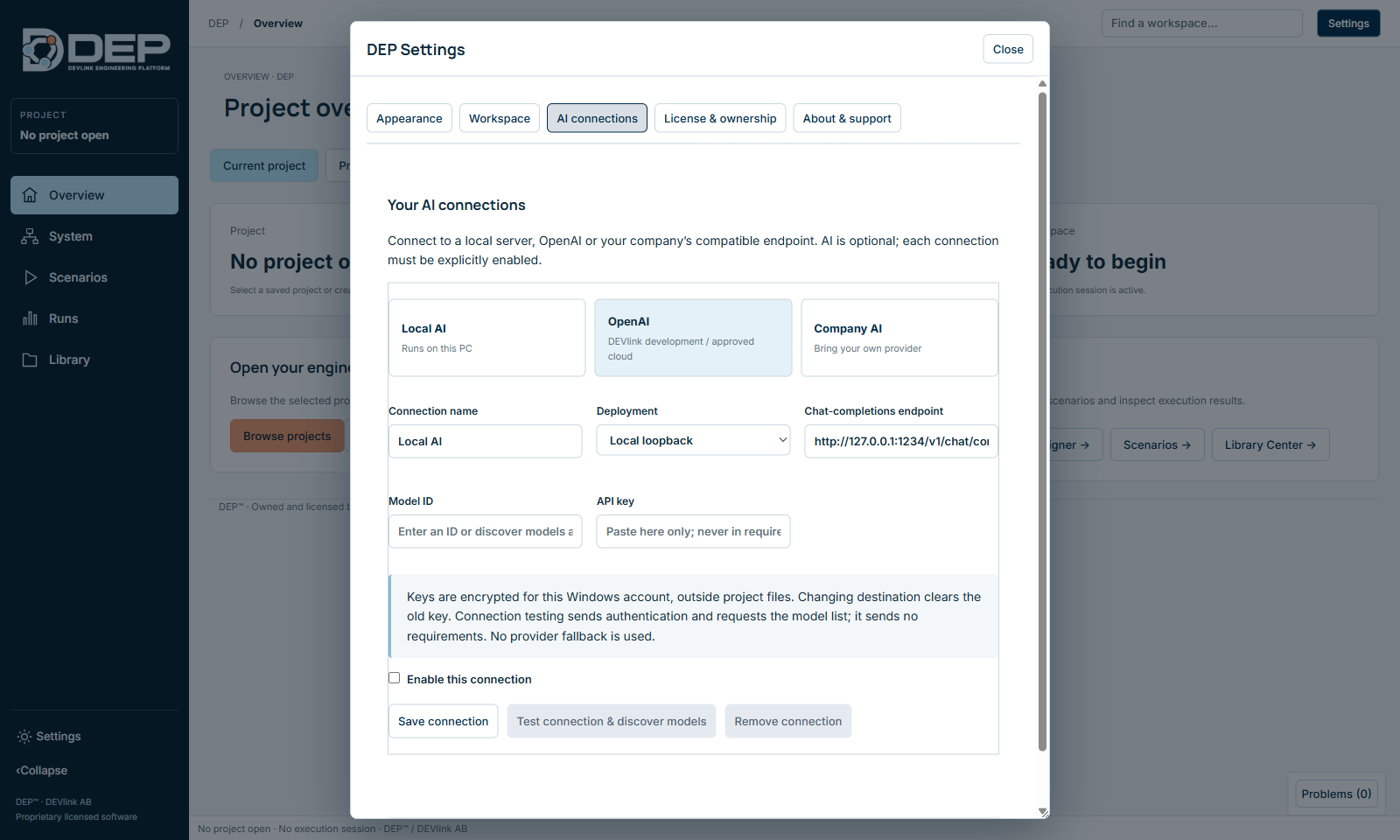
See AI Connections for the full procedure. Options:
| Option | Meaning |
|---|---|
| Local AI / OpenAI / Company AI | Connection templates: a server on this PC, an approved cloud service, or your company's compatible endpoint. |
| Connection name | Your label for the connection. |
| Deployment | Local loopback (127.0.0.1) or Remote / cloud HTTPS. |
| Chat-completions endpoint | The full URL of an OpenAI-compatible chat-completions API. |
| Model ID | The model name the endpoint expects. |
| API key | Stored encrypted for your Windows account, outside project files. Changing the destination clears the key. |
| Enable this connection | Connections are off until you enable them. |
| Save connection, Test connection & discover models, Remove connection | Testing sends authentication and requests the model list. It sends no project data. DEP never falls back to another provider. |
License & ownership
Shows ownership information, your Machine ID, installed licences, USB keys, the floating server and the resolved features, and lists third-party font notices. Every control is explained in Licensing and Editions.
About & support
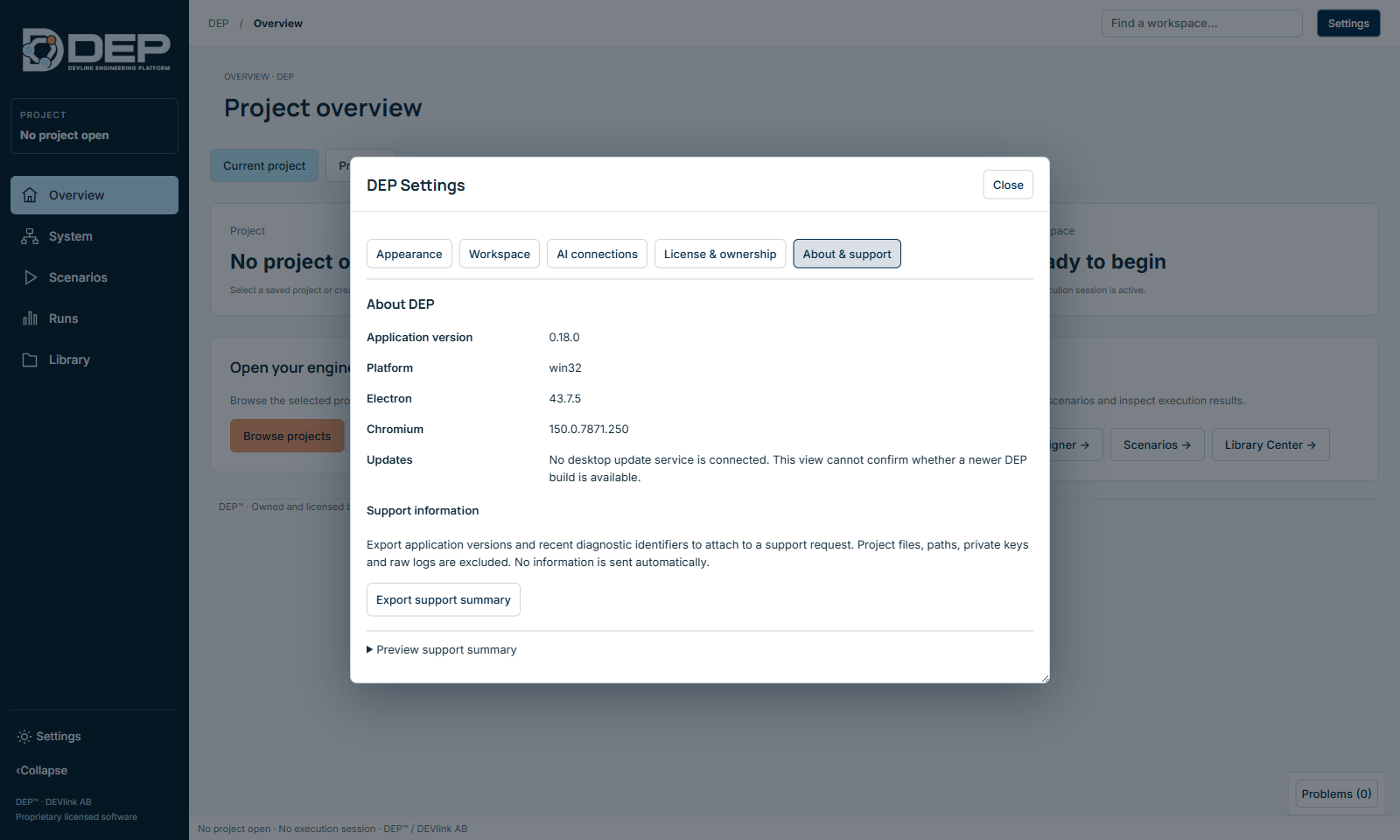
| Item | Meaning |
|---|---|
| Application version | The DEP version. Quote it in every support request. |
| Platform, Electron, Chromium | Versions of the underlying runtime. |
| Updates | DEP does not check for updates itself. Ask DEVlink for new versions. |
| Preview support summary | Shows what would be exported. |
| Export support summary | Saves DEP-support-summary.json with application versions and recent diagnostic IDs. Project files, paths, private keys and raw logs are excluded. Nothing is sent automatically. |